*

Screenshots

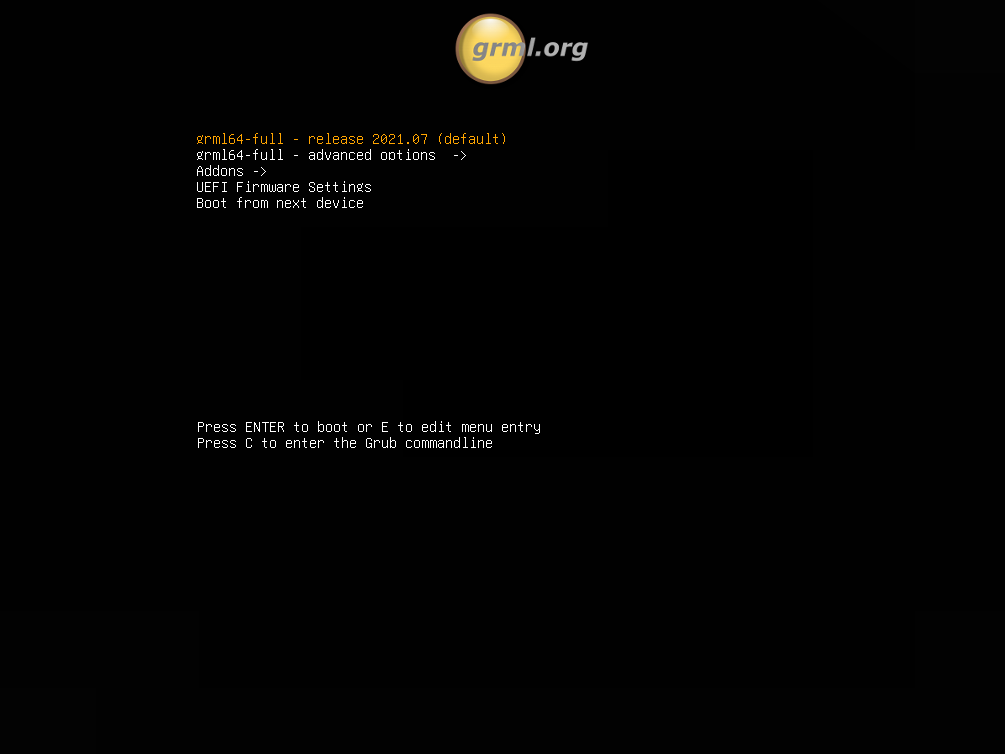
Bootsplash
Screenshot

This screenshot shows the bootsplash.

Booting

Screenshot

This screenshot shows the bootup sequence right after the bootsplash.

Console
Screenshot

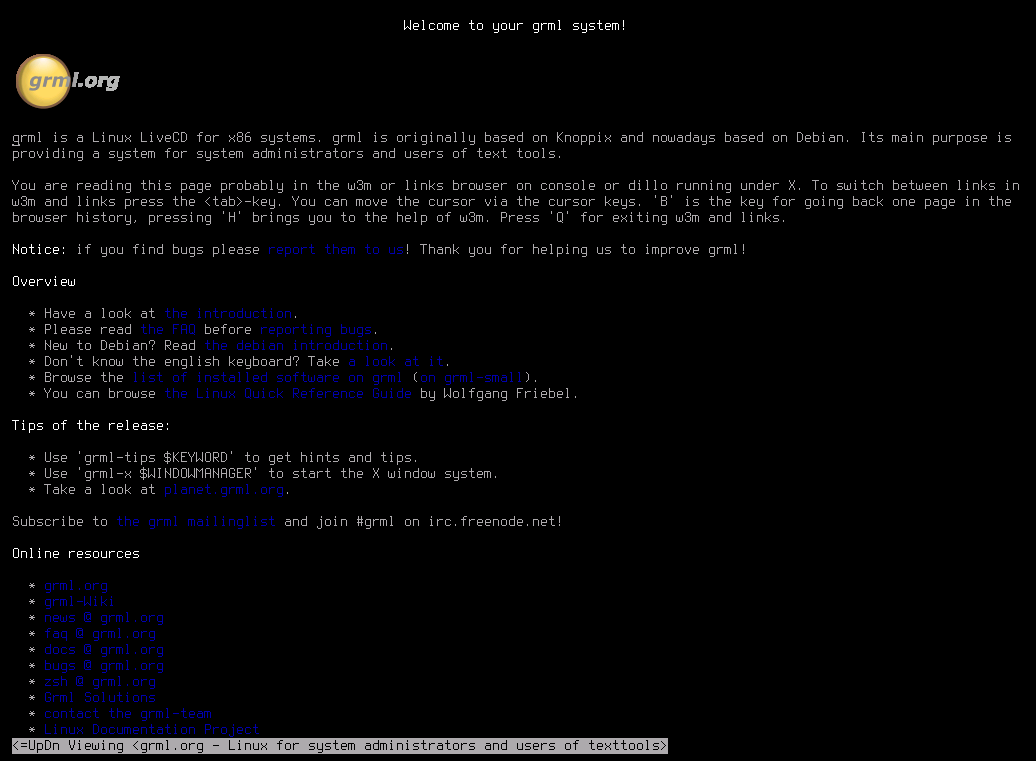
This screenshot shows w3m with image support on a framebuffer device. That's what you'll see when running 'grml-info' on the console.

zsh

Screenshot

This screenshot shows GNU screen running on console using framebuffer device with zsh and the completion mechanism of zsh running cdrecord.

X Window System - fluxbox

Screenshot

This screenshot shows grml 2008.11 running the X Window system with the fluxbox window manager. The desktop icons are presented by idesk and on the right side gkrellm is running. Get this desktop via running 'grml-x wm-ng'.

X Window System - fluxbox

Screenshot

This screenshot shows grml 1.1 running the X Window system with the fluxbox window manager. The desktop icons are presented by idesk and on the right side gkrellm is running. Get this desktop via running 'grml-x wm-ng'.

Running grml under Windows with QEMU

Screenshot

This screenshot shows grml running via QEMU on a Windows XP system. (screenshot by craig)

Running grml under Windows with MS Virtual PC

Screenshot

This screenshot shows booting grml inside MS Virtual PC on a Windows system. (screenshot by Nicolas Pavlidis)

Screenshot

This screenshot shows the zsh of grml running inside MS Virtual PC on a Windows system. (screenshot by Nicolas Pavlidis)

Running grml under Linux with VMware

Screenshot

This screenshot shows grml running inside VMware.

News